
You do not need software to find where your WhatsApp is losing customers. You need twenty minutes and your last twenty conversations.
What to count
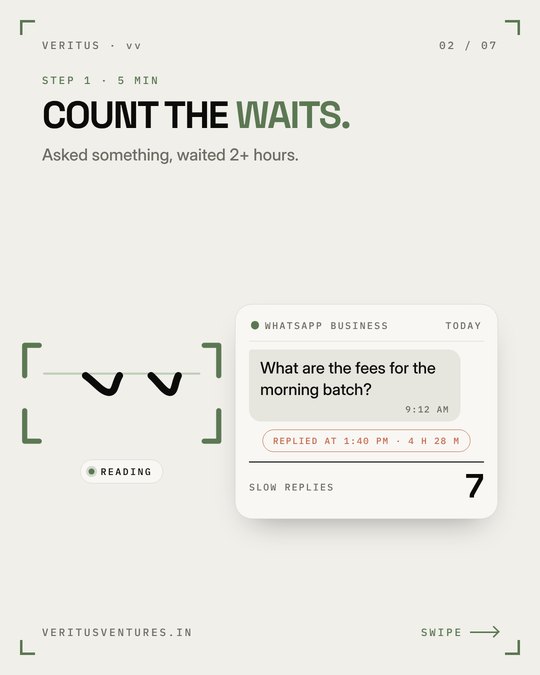
- Waits. For each chat, how long until the first reply? Note the longest and the median.
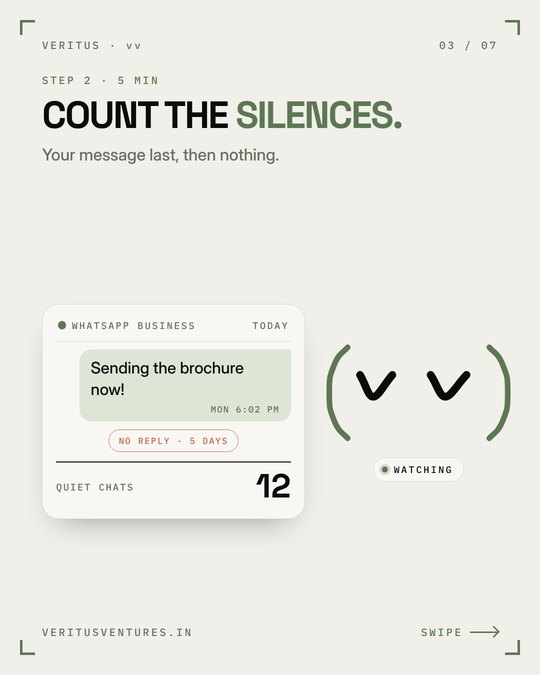
- Silences. In how many chats did the customer go quiet after your last message?
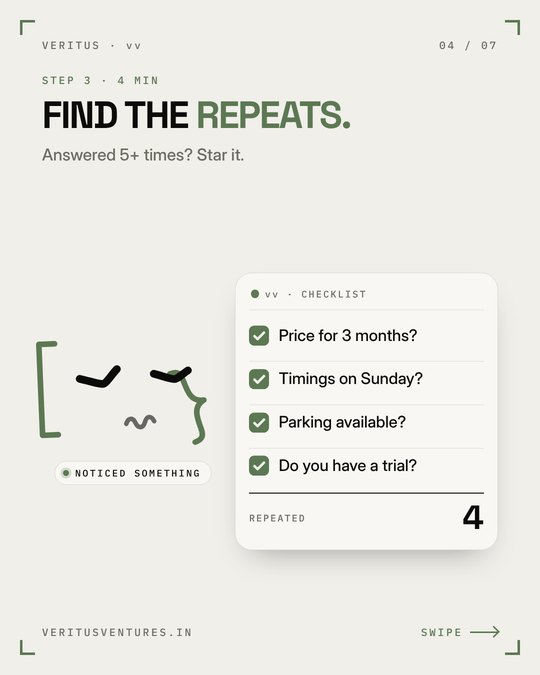
- Repeats. How many times did you answer the same question? Those are answers waiting to be written down.
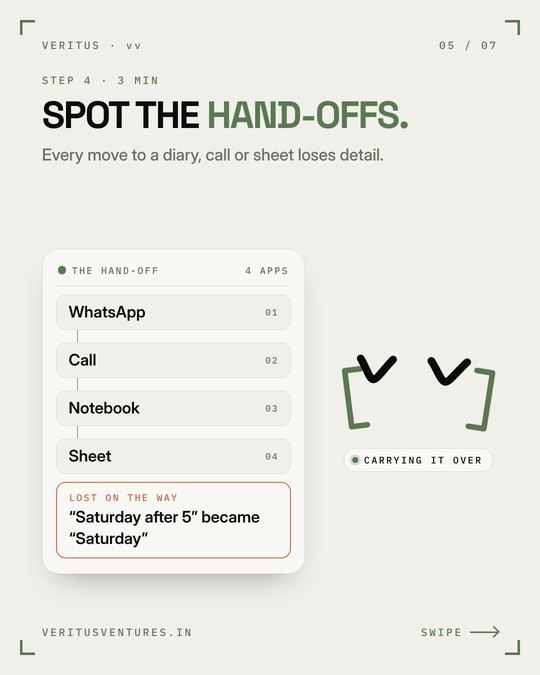
- Hand-offs. Where did a chat turn into a call, a diary entry or a retyped invoice?
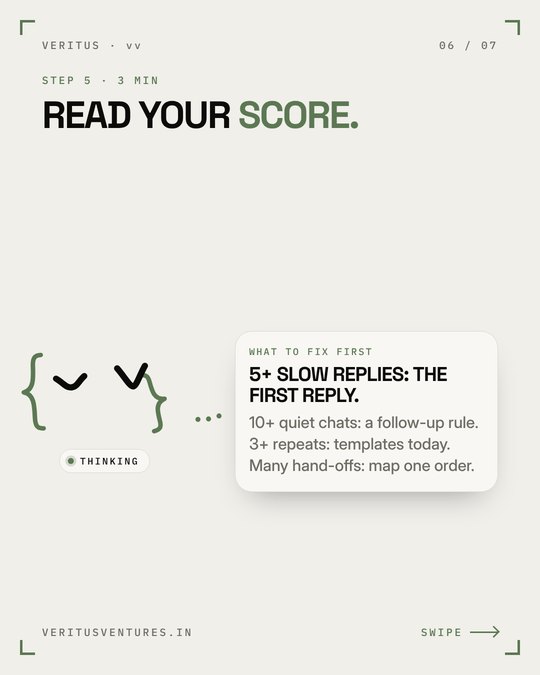
Read your score
- Long waits: you have a reply-speed problem. Start with a quick-reply greeting and an away message.
- Many silences: your replies end the conversation. Read the swipe file of six messages that lose customers.
- Many repeats: write the answers once and save them as quick replies.
- Hand-offs: map them. This is where details change.
The free WhatsApp Business app handles more of this than people think; see Business app versus API.
Got your three numbers?
Send them to Abhisar and he will reply with what he would fix first.
Message Abhisar on WhatsApp →Frequently asked questions
How do I audit my WhatsApp Business inbox?
Open your last 20 chats and count how long first replies took, how many chats went silent after your reply, and how many questions repeated. Then note where work was handed to another app or person.
How long does it take?
About 20 minutes for a small business inbox.